



 Back to Resources
When several organisations deliver a service, customers still only see one service. Here’s how service desk leaders can keep accountability, visibility, and shared information connected across company lines, plus what to agree with suppliers before connecting workflows.
The update that never came
It’s 10:00 AM on a Tuesday. A user calls the service desk for the third time about the same outage. The analyst sees the incident was sent to the network provider just after eight, but can’t tell if anyone has picked it up.
Meanwhile, two engineers at the provider have been working on the issue for an hour. They’ve found the fault and are waiting for a part. This is helpful information, but it’s in a different ticketing system at another company, and no one has told the person speaking to the customer.
No one made a mistake. Both organisations were doing their jobs. But to the customer, the service seems broken twice: first because the network is down, and again because no one seems to know what’s happening.
Your customer sees one service
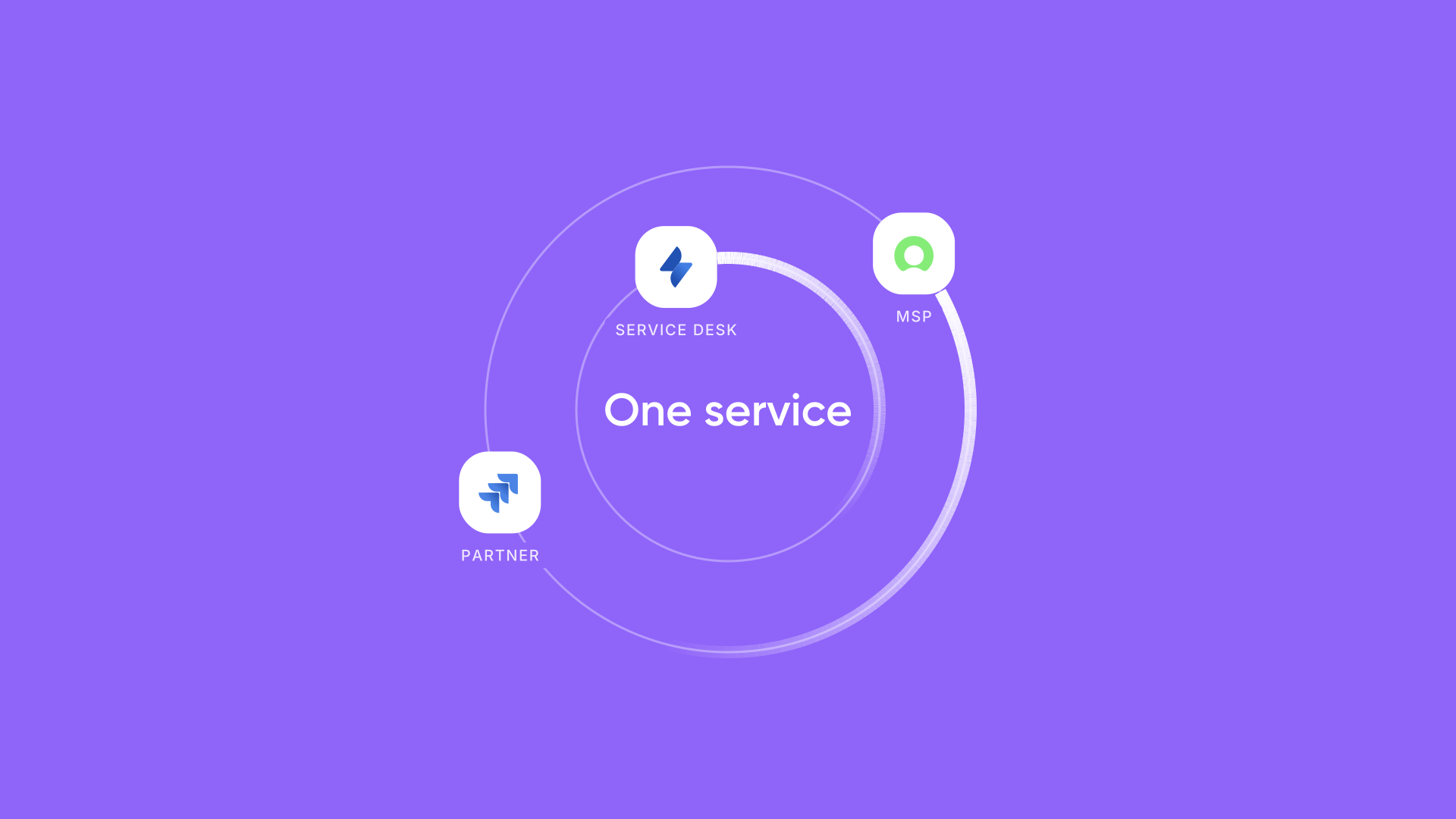
Most IT services today are built from several pieces. There’s an internal service desk, a managed service provider (MSP) looking after the network, a cloud vendor, a specialist application partner, and perhaps an outsourced out-of-hours team. Each is good at its part and has its own contract. Quite reasonably, each also runs its own tools. The service desk might work in Jira Service Management while the MSP works in ServiceNow.
But the customer doesn’t see any of that. Customers see one service, and they hold you to one promise.
That’s the gap SIAM was created to address. Service Integration and Management helps you run several providers as one connected service. Usually, the internal IT team takes charge of how everything fits together, including shared processes, agreed handovers, and a single view of performance. You don’t need a formal SIAM program to use these ideas.
What you need is just to accept that the joins between suppliers are part of the service, and that someone has to own them.
Where the gaps start to show
Multi-supplier services rarely fail within a team. Problems usually happen at the handover, and the same issues keep appearing:
- Duplicate tickets – when the service desk logs the issue, the supplier re-keys it, and the two records drift apart from the first update.
- Priorities that don’t translate – a P1 in one system arrives as “High” in the other and queues behind work the supplier thinks is more urgent.
- Statuses that mean different things – to a supplier, “Resolved” might mean the fix is deployed. To the service desk, it means the customer has confirmed it works.
- Two SLA clocks – each organisation measures its own response time accurately, but they’re measuring different things. When the end-to-end target is missed, both can point to a green report.
Connecting the tools fixes some of this, but not all of it. Most of these problems aren’t really about data. They’re about decisions nobody has made yet.
Who owns the customer?
Visibility is often the first thing people want. It’s important, but by itself, it just means more people can see the problem. Someone still needs to take charge of what happens next.
Start by having a conversation. When a ticket goes to a supplier, the analyst who talks to the customer should usually keep ownership of that conversation, even if the fix is happening elsewhere. The supplier’s job is to keep the analyst informed so they never have to guess. If a specialist partner will speak to users directly, agree on that clearly and let the customer know who will contact them.
Then agree how priorities and statuses translate. This is a service decision before it’s a configuration task. Sit down with each supplier and write down what your P1 becomes in their world, which of their statuses mean “waiting on us”, and when an SLA clock pauses. Exalate’s Jira–ServiceNow integration guide shows how those mappings can be carried between the two platforms. The agreement behind them is yours to make.
Finally, make sure your commitments line up. If you promise a four-hour fix for a critical incident but the supplier’s contract allows eight, no integration will fix that gap.
SPK and Associates, an engineering and IT services MSP, shows what doing this deliberately looks like. Each of its customers runs its own Jira instance. Rather than asking them to change, SPK connects its Jira to theirs and tailors what each connection shares, mapping due dates, priorities and SLAs through to resolution. According to Exalate’s published case study, tickets had previously been missed between the two sides. With one customer, mysherpas, SPK reports saving around five hours per engineer per week.
Share enough, not everything
Working with a supplier doesn’t mean giving them full access. A partner needs enough context and information to do their job. They need to know what’s broken, who’s affected, how urgent it is, and what’s already been tried. They don’t need to see your internal discussions about escalation or a customer’s personal details if an asset tag is enough.
The arrangements that work best leave each organisation in charge of its own boundary. You decide what leaves your system, and the supplier decides what it accepts into theirs. The same applies in reverse. Confidential notes, customer data and internal workflows stay where they belong, and neither side needs access to the other’s tool or rules.
This helps to sort shared information into three groups:
- What the supplier needs to act on: the description, priority, affected service and relevant attachments.
- What should come back: status changes, updates the analyst can pass on, and the resolution.
- What stays at home: internal work notes, commercial discussion, and personal data the fix doesn’t need.
For MSPs with many customers, the same principle applies to each relationship separately. Every customer gets its own rules. Exalate’s article on MSP integration looks at how providers keep each client’s data separate.
After go-live: silence isn’t a status
Most supplier integrations are designed with care and then left alone. That’s where the quieter risk sits.
Things change over time. A supplier picks up a new service or hands one back. Permissions get tightened after an audit. Someone adds a status, renames a priority or changes the rule for when tickets close. Each change makes sense to the team making it. But the connection between the two organisations was built on yesterday’s assumptions, and nobody told it.
The failure to worry about isn’t an error message. It’s usually the silence. When your updates stop arriving, each side tends to assume the other has nothing to report. No news looks like good news, so a stuck ticket can sit unnoticed until the customer rings back.
A few habits make a real difference:
- Put the system integration under change control. If either side plans to change a workflow, status or permission that touches shared tickets, the other side needs to hear about it first.
- Define what a missed update looks like. For example, mark any P1 with no word from the supplier within an agreed window, whatever the reason.
- Agree the fallback. Decide who notices, who picks up the phone, and how the two records are reconciled afterwards.
- Review the relationship, not just the SLA report. Do regular reviews of mappings, shared fields and awkward handovers to catch drift long before customers do.
Change doesn’t have to mean disruption.
When Uber Freight moved its IT service desk from ServiceNow to Jira Service Management, Exalate reports that the two platforms ran side by side through a live two-way sync. The desk kept working while around 130,000 tickets and 15 months of history moved across, with no service desk downtime.
The same principle applies to supplier relationships. Plan changes so the service carries on while the plumbing moves underneath it.
A checklist for service desk leaders
Before you connect your workflows to a supplier’s, agree these points together and write them down:
1️⃣ Who owns the customer conversation for each type of ticket, and who the customer will hear from.
2️⃣ How priorities map between your system and theirs, including what a P1 means on each side.
3️⃣ How statuses map, especially “waiting on supplier”, “resolved” and “closed”.
4️⃣ Whose SLA clock counts, when it pauses, and how the supplier’s targets support your end-to-end commitment.
5️⃣ What crosses over, what comes back and what stays private on each side.
6️⃣ How customer data is handled: what’s shared, what’s held back, and who can see it.
7️⃣ The escalation path, with named contacts on both sides, in and out of hours.
8️⃣ What happens when updates stop arriving: how quickly it’s spotted, who acts, and how the records are put right.
9️⃣ How changes are notified, so a new status, permission or rule on one side doesn’t quietly break the other.
🔟 When you’ll review the arrangement, and what happens to shared tickets and data if the relationship ends.
Final thoughts
Think back to the analyst on the phone. With these decisions in place, the supplier’s update reaches them. Now, analysts are better informed and know it’s their job to share updates, so they can tell the customer the fault has been found and a part is on its way.
It’s the same incident, with the same suppliers and tools, but the customer’s experience is completely different.
That’s what joined-up service looks like across company lines. Not everyone is in one system, but everyone knows who owns what, and the right information gets to where it’s needed.